Payables Reports
Go to Reports module
Generating Report
To generate a customized report in the payable section:
- Select the report type to go to the report view page.
- Choose the branch for the report.
- Set the time period using the date picker and click Select.
- Click Run Report to generate it.
- Use the print feature to print the report.
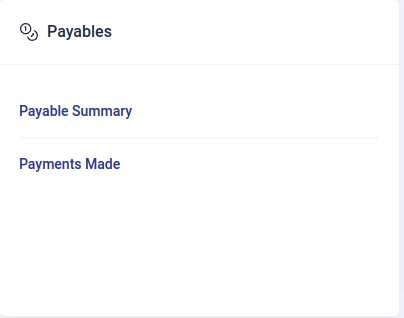
The type of reports that can be generated in payables include:
Payable Summary Report
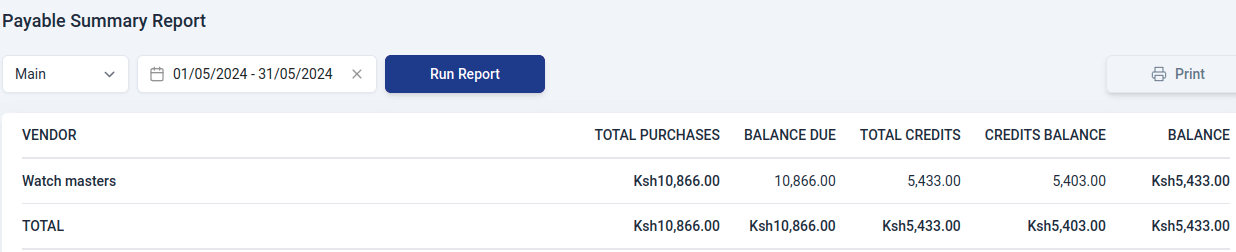
A Payable Summary Report is a document that shows all the money your business owes to vendors. It contains:
- Vendor
Name of the vendor.
- Total Purchases
The overall amount of money your business has spent on purchases from the specific vendor.
- Balance due
The remaining amount of money that your business needs to pay to the vendor. It is the total purchases minus any payments made.
- Total credits
The total value of any credits or adjustments received from the vendor.
- Credits Balance
The remaining value of credits that your business can apply to future purchases.
- Balance
The net amount your business owes after considering both the total purchases and any credits.
Payments Made Report
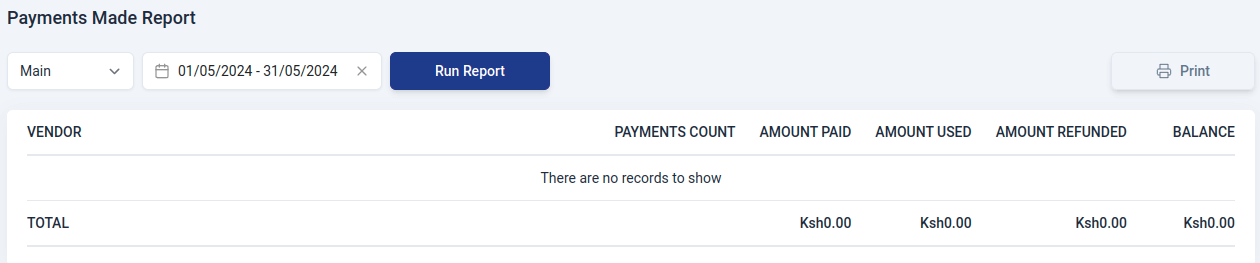
A Payments Made Report is a document that shows all the money your business has paid to vendors. This report includes details such as:
- Vendor
Name of the vendor.
- Payments count
The total number of payments your business made during a specific time period to the vendor.
- Amount paid
The total sum of money your business paid to a vendor.
- Amount used
The portion of the payments that has been applied or utilized.
- Amount refunded
The total sum of money refunded to your business by a vendor during the specified period.
- Balance
The outstanding amount yet to be utilized or returned.