
Inventory Introduction?
Inventory refers to the collection of goods, products, or materials that a business holds in stock for the purpose of resale, production, or future use.
In Upscale,the Inventory section can be found in the 'Inventory' module.
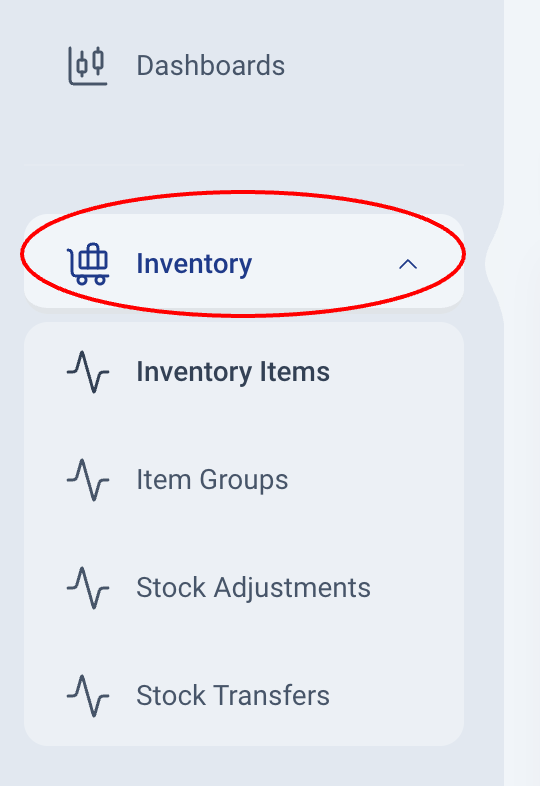
Navigating Inventory (Products & Services)
The Inventory module has these sections:
- Inventory Items
Inventory Items refer to the goods or services that are central to your business operations and tracked within your system. They include four main types: Inventory, Non-Inventory, Service, and Bundle. Inventory items can be physical products you buy and sell, materials you use without tracking quantities, services you provide to customers, or bundled offerings that combine multiple products and services into one. - Item Groups
An item group is a classification or category used to put related or comparable products or commodities together. Item groups can help you manage many items easily as a group. An example could be 'Electronics' or 'Beverages' - Stock Adjustments
It is possible for the amount or value of your things to fluctuate without resulting in any sales or purchases. This could be due to accidents or damages during shipping and any other causes. Upscale is able to accommodate these changes using Stock Adjustment. - Stock Transfers
Stock transfers are the movement of goods/stock from one location to another. This could be from one warehouse to another, from one store to another, or from one branch to another. - Price Lists
Price lists let you charge rates that differ from an item's standard rate, for a wholesale customer, a branch trading in another currency, or a quantity discount. - Units of Measure
Units let you buy in one unit and hold stock in another, for example buying by the crate while counting in bottles. Stock is always tracked in the item's base unit, whatever the document says. - Bins
Bins track where stock sits inside a location: shelves, spec groupings like '16GB / 1TB SSD', or states like 'Needs repair'. Location totals never change, so a bin only says where within the location the stock is. Bins are off until you turn them on.